Today is a great day, because Tikka 0.25.0 now has an official installer for Linux, available for download on this site: Tikka – Installer & Manage Ğ1 accounts (EN/FR)
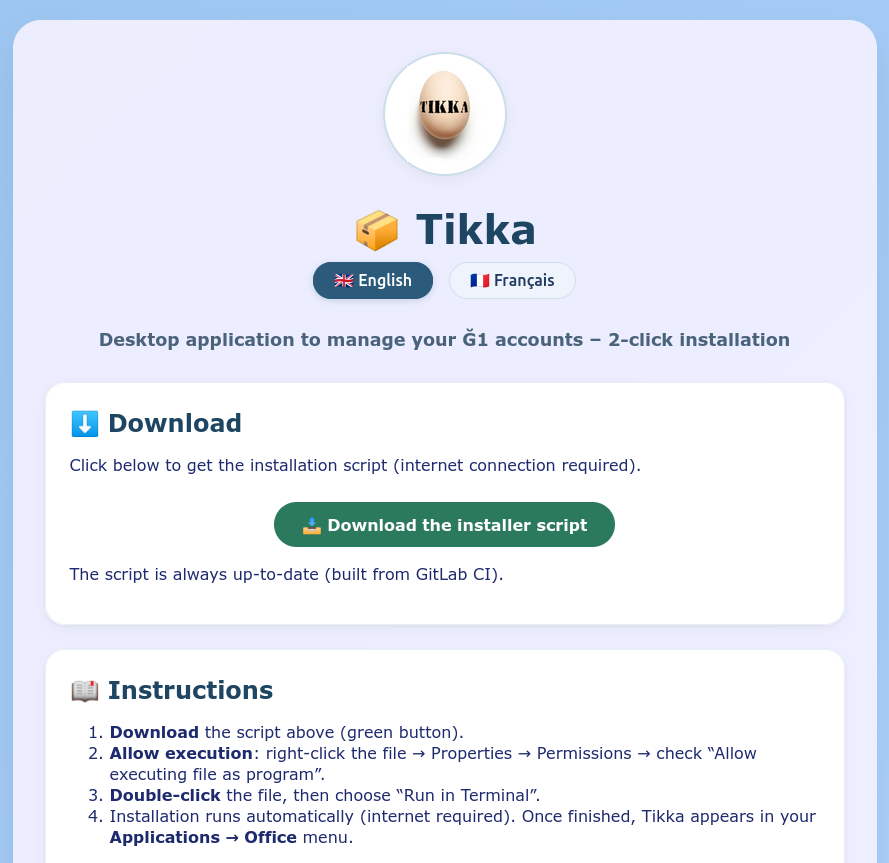
Moreover, if you use this installer, Tikka will check for an online update and automatically update itself!

Uninstalling a previous version
If Tikka is already installed via another method (pipx or pip):
- Save your data to a file using the Advanced/Save user data menu (as a precaution, but normally not necessary…)
- Uninstall Tikka:
Type the following command in a terminal:
pipx uninstall tikka
or
pip uninstall tikka
depending on your previous installation method.
- Download the Linux installation script from the website link.
- Follow the instructions on the website to run the script.
Go to the Office or Finance menu of your Linux and launch Tikka – it should be there with its logo. Simple!
If you have lost your data, reload the previously saved backup file from the Advanced/Restore user data menu.
Once Tikka is installed in your Linux menus, it will update automatically and a window will ask you to relaunch Tikka.